Free invoice generator.
Ready in seconds.
Create professional invoices online, add a deposit and save as an image or PDF — no signup, no watermark, completely free.
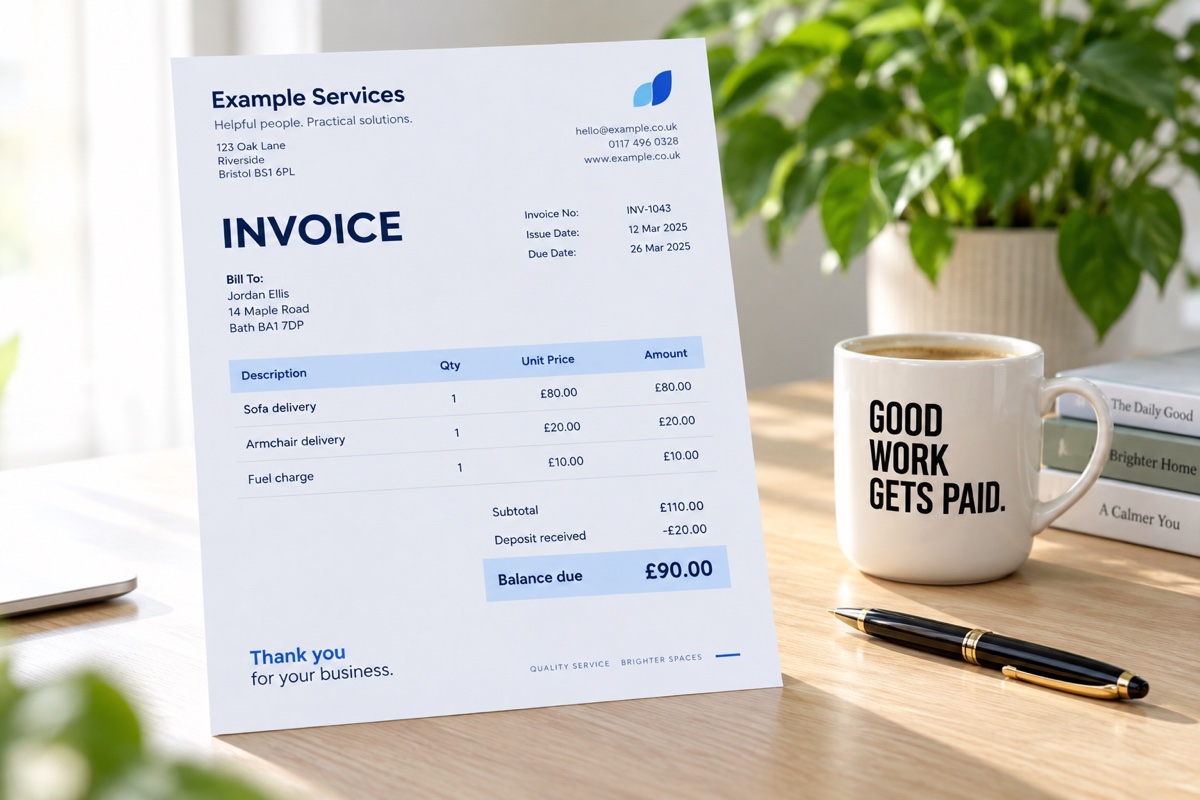 Illustrative invoice
Quick & easy
Create an invoice in seconds
Professional
Clean, clear and ready to send
Save as image
Perfect for Photos and messaging
No signup
Completely free to use
Your saved drafts · on this device
Save drafts to reopen or duplicate them. Clearing browser data can remove them, so keep a backup.
Start with a sentence.
A LITTLE SHORTCUTType the job, customer and price in any order. Review and edit your draft below.
Make it yours.
01 / DETAILSYour invoice uses your business name. No CreateInstantInvoice watermark.
01. Describe or enter
Use the sentence shortcut for a simple job, or enter each line yourself.
02. Check the details
Add your business, payment instructions and due date. Your totals update automatically.
03. Download & send
Save an image for your phone or a PDF for email. Send it using your usual messaging app.
Keep it on your phone.
A handy shortcut for your next job. Free, just like the website.
iPhone · Safari
Open in Safari → tap Share (square with an arrow) → Add to Home Screen → Add.
Android · Chrome
Open in Chrome → tap the ⋮ menu → Add to Home screen → follow the prompts.
Invoice templates for real work.
Pick a trade, load the items, then enter your own prices.
A few quick answers.
Is this invoice generator free?
Yes. Create and download your invoice without an account or payment.
Can I enter my invoice manually?
Yes. The form lets you add your logo, business and customer details, hourly or fixed-price items, tax, discounts and deposits. The sentence shortcut is optional.
Does quick entry understand every description?
It recognises simple patterns such as “Sofa delivery for John, £80, £20 deposit paid.” It is a basic shortcut, so review the extracted details and enter anything missing manually.
How do I add this to my iPhone Home Screen?
Open the website in Safari, tap Share, then Add to Home Screen. The blue invoice icon is designed for your shortcut.
Where does my invoice information go?
The invoice tool processes your entries in your browser. It doesn’t send them to an AI service or save them to an invoice account. Optional saved business details and drafts stay in this browser on this device. Clearing browser data may remove them; download a backup to keep a copy. PDF and image files are downloaded to your device.
Privacy & cookies
Updated 9 October 2026 · Operated by Daniel Sallery. Contact us about privacy.
How this site uses your information
Your invoice entries are processed in your browser to generate your PDF or image. This tool does not send those entries to Google Analytics, AdSense or an invoice account. Downloaded files remain on your device; take care when sharing them.
If you choose Remember my business or Save draft, your business details, logo, payment instructions and document details are stored in this browser on this device. They are not synced to other devices. Clearing browser data may remove them. You can forget remembered business details, delete saved drafts and download a private backup. Backup files contain the information you saved. Choosing Share opens your device’s sharing options; the app or recipient you select then receives the file.
GoHighLevel and its infrastructure providers host this website and may process technical information such as your IP address and request logs to deliver and secure it. Your theme and consent choices are stored in your browser.
With your permission, Google Analytics uses cookies to measure visits, device/browser information and page activity. We disable automatic form tracking and advertising personalisation in Analytics.
Google AdSense and other advertising vendors may use cookies or identifiers to serve, measure and personalise advertisements based on visits to this and other websites. Availability depends on Google approving the site. Where required, Google's consent message lets you accept, refuse or manage advertising purposes and partners. Partner details appear in that message.
Learn how Google uses information, manage Google ad personalisation, or visit third-party advertising choices. Google and its partners may process data internationally; their policies explain retention and safeguards.
You can change choices below and manage or delete cookies in your browser. Contact us to request access, correction or deletion of personal information we hold. If you contact us, we use your message and contact details to respond and keep them only as needed. You can raise a privacy concern with the UK Information Commissioner's Office.